Catch the eye
Highlight your listings with brighter, more polished photos, sharp even when the shot was blurry.
It all starts with a photo
Kadra makes your listing photos more attractive: reworked light, polished presentation, spaces shown at their best. Your visitors picture themselves more easily, in an empty room as much as in an interior that needs updating.
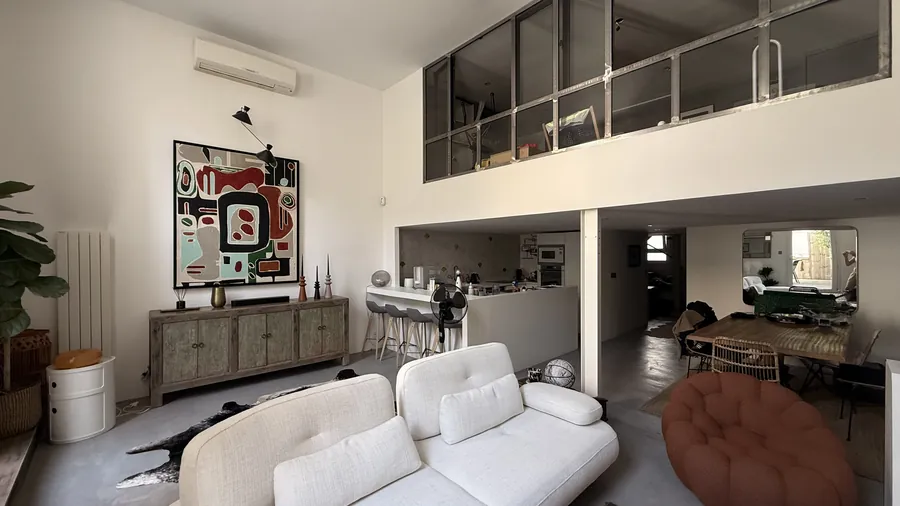 Living room
 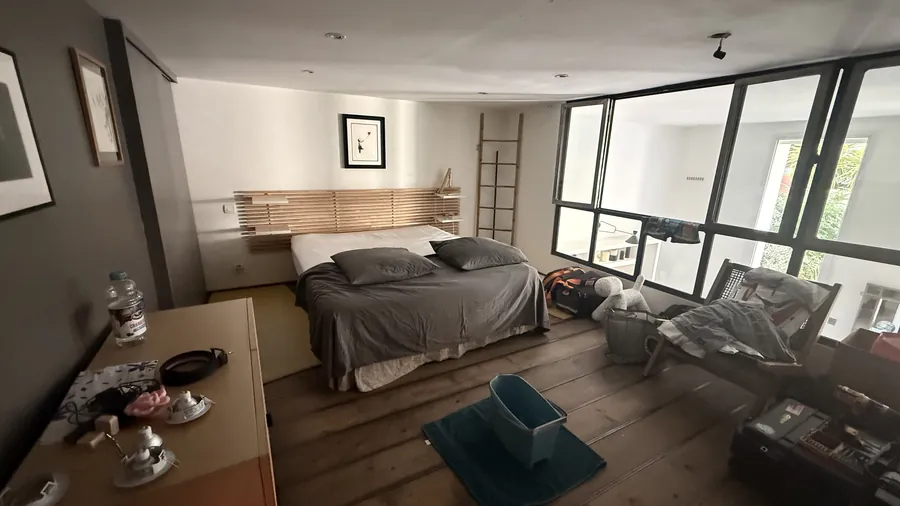 Bedroom
 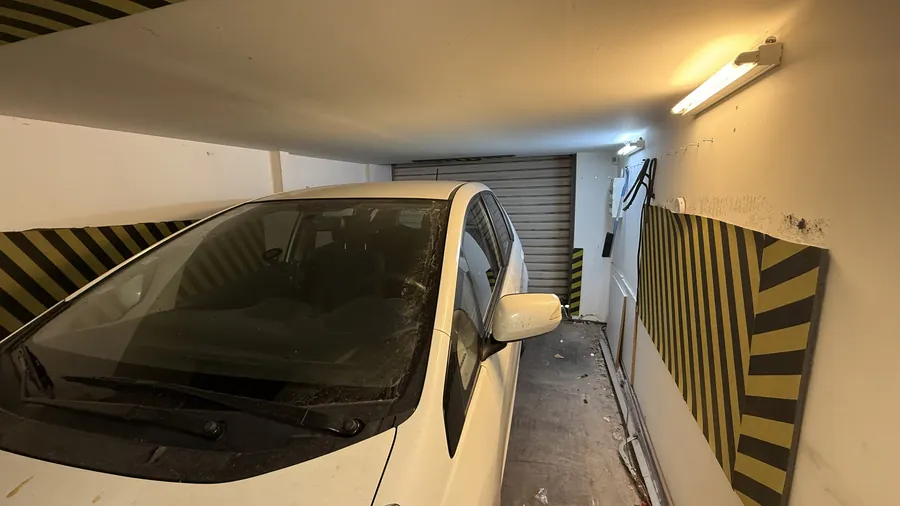 Garage
 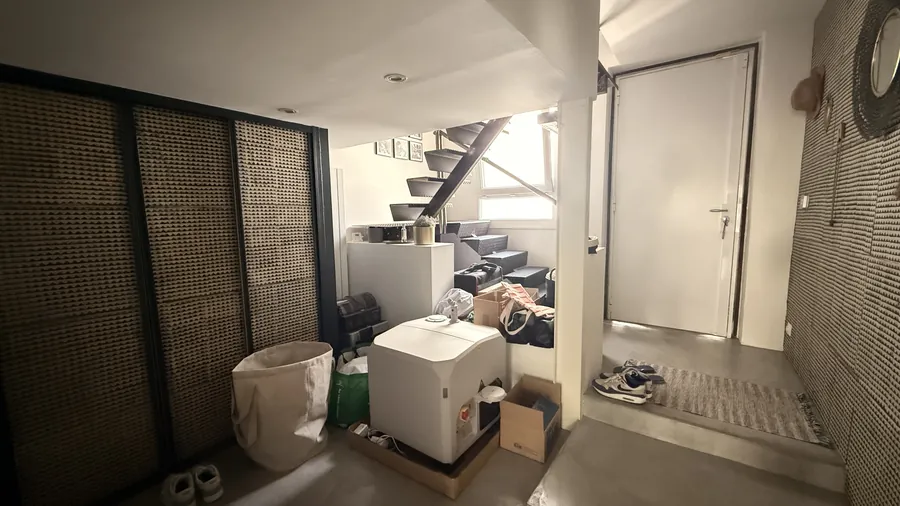 Entrance
  Photographer Light and focus
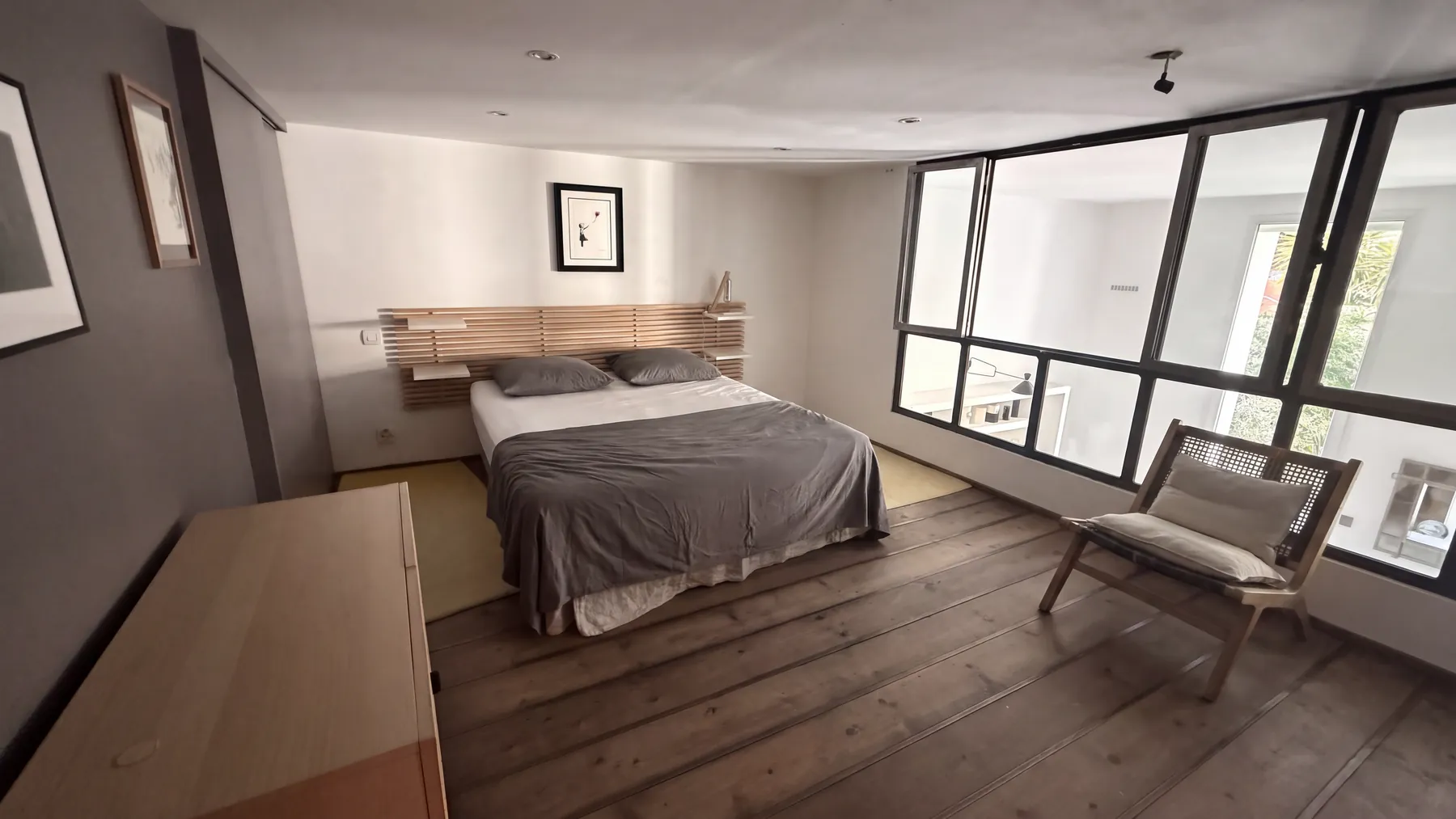
  Declutter Clutter removed
  Unfurnish Removal only
 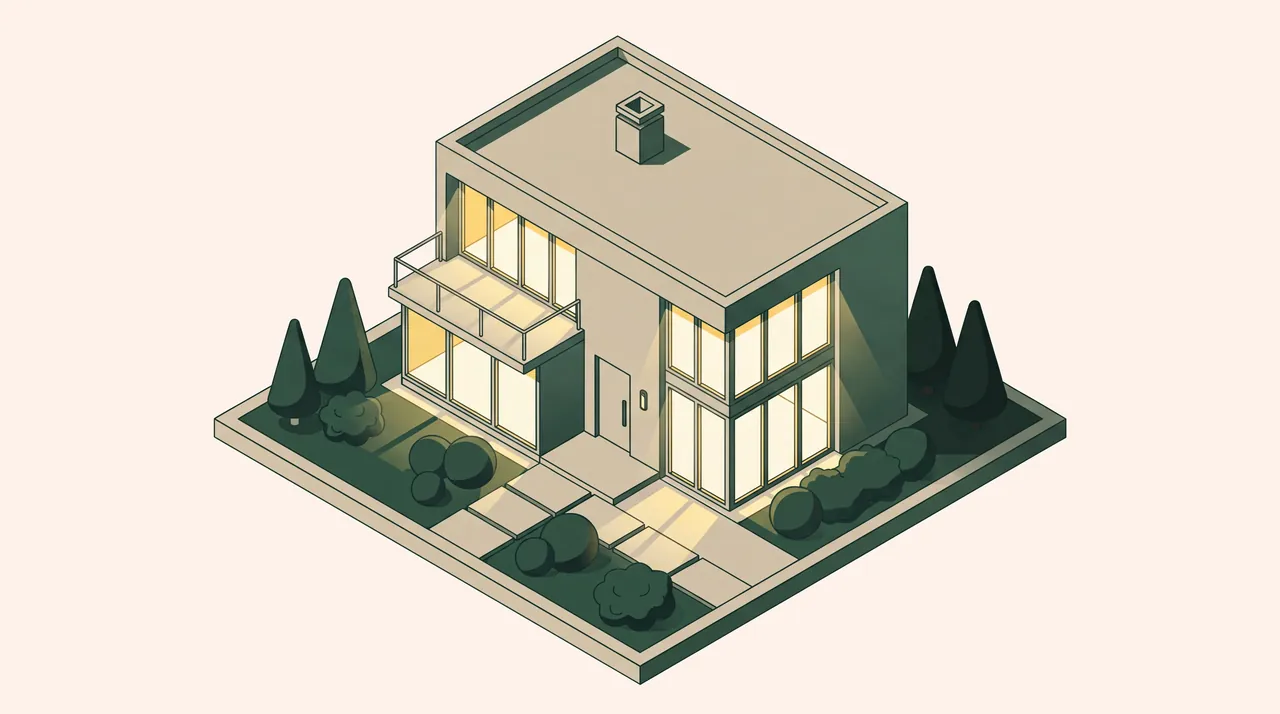 Dusk Blue hour
  Facade reno Facade renovated
 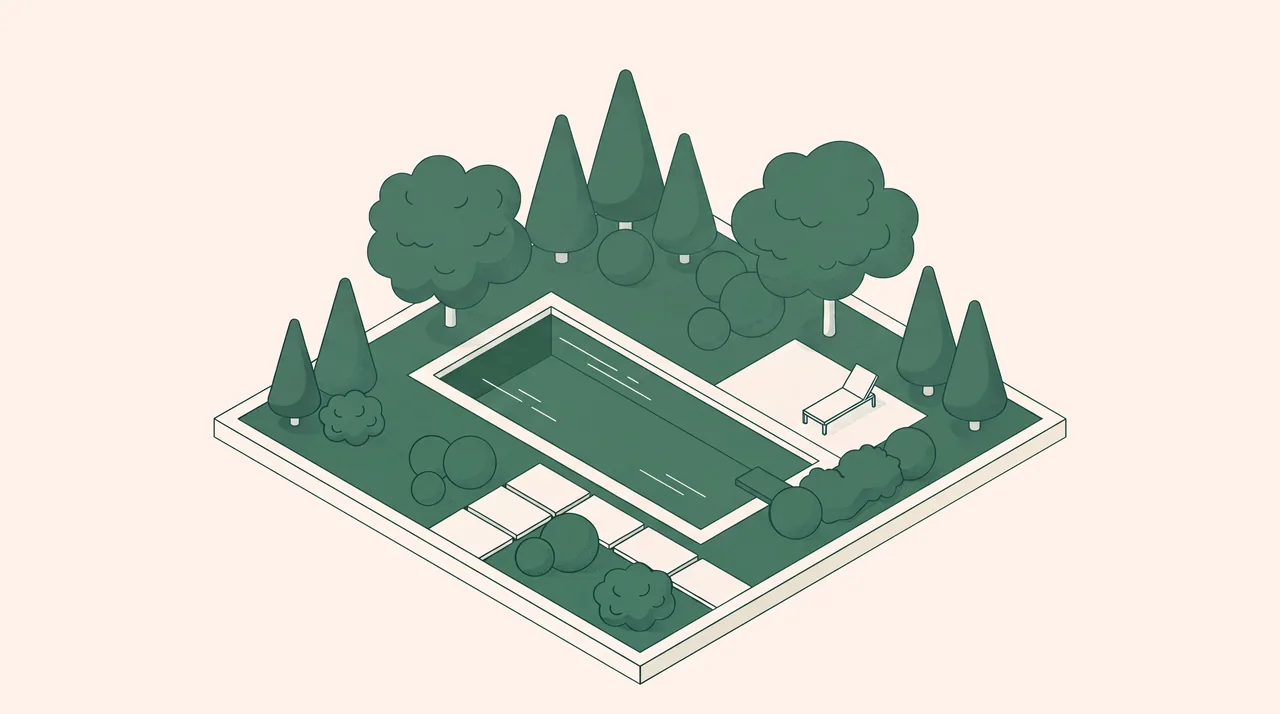 Garden Garden and grounds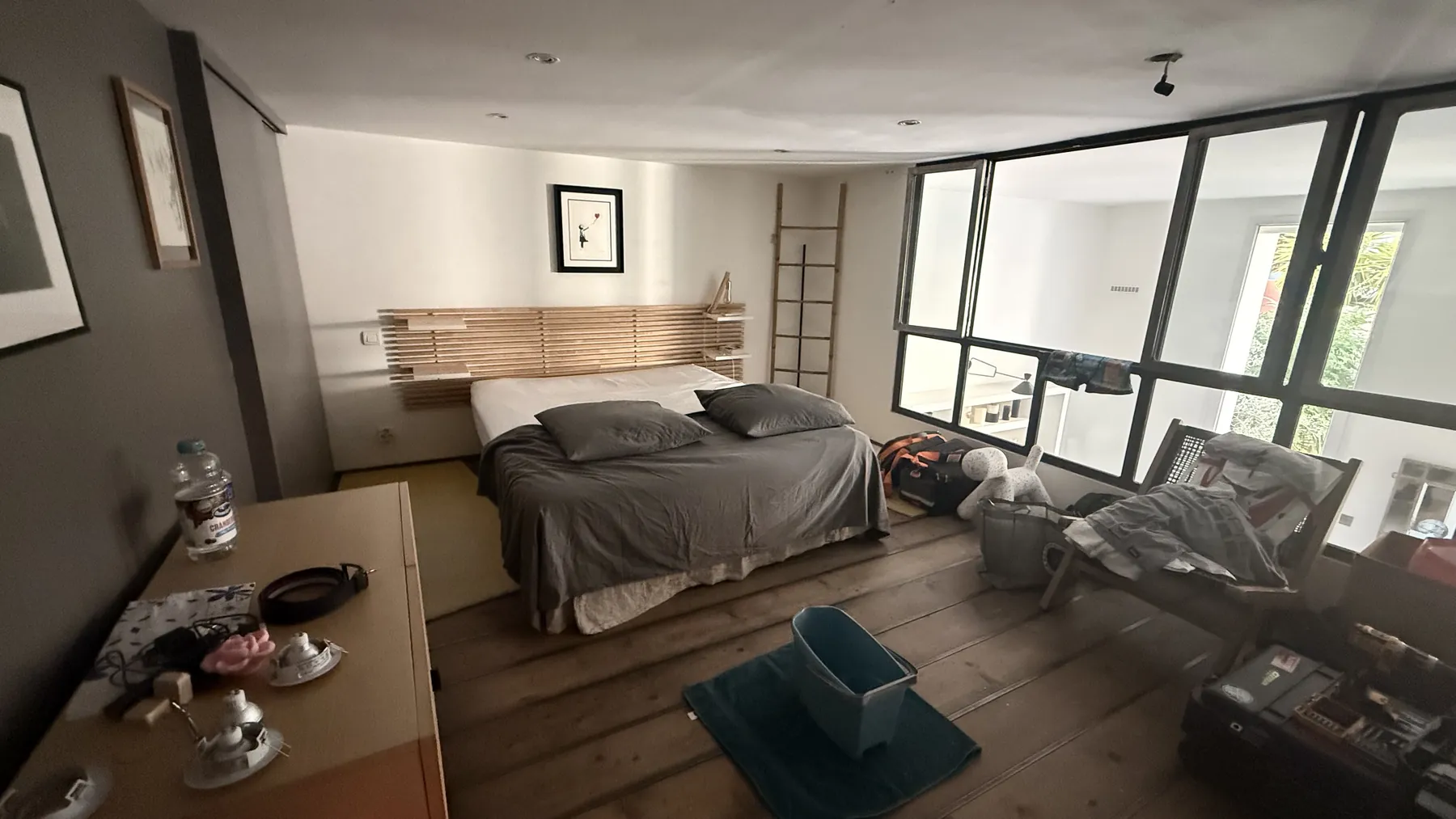
Why Kadra
Highlight your listings with brighter, more polished photos, sharp even when the shot was blurry.
Help buyers imagine the layout of an empty room, or the potential of an interior that needs updating.
Gain visibility with a better click-through rate on your listings.
Preview
Eleven modes, and Kadra only opens the ones that suit the photo: no virtual staging on an already-furnished room, no facade renovation on a facade that’s simply dirty. The label under each render says what it applies to.

Illustration coming soon for this mode.
A blurry photo comes out sharp: motion and focus blur corrected, exposure rebalanced, shadows lifted without blowing out highlights. Nothing is removed or added.
The delivered file includes this notice, embedded in French. It's what actually appears on the image:
Our difference
Light, color, sharpness and movable objects are photo matters. Everything else belongs to the property, and Kadra is built not to touch it.
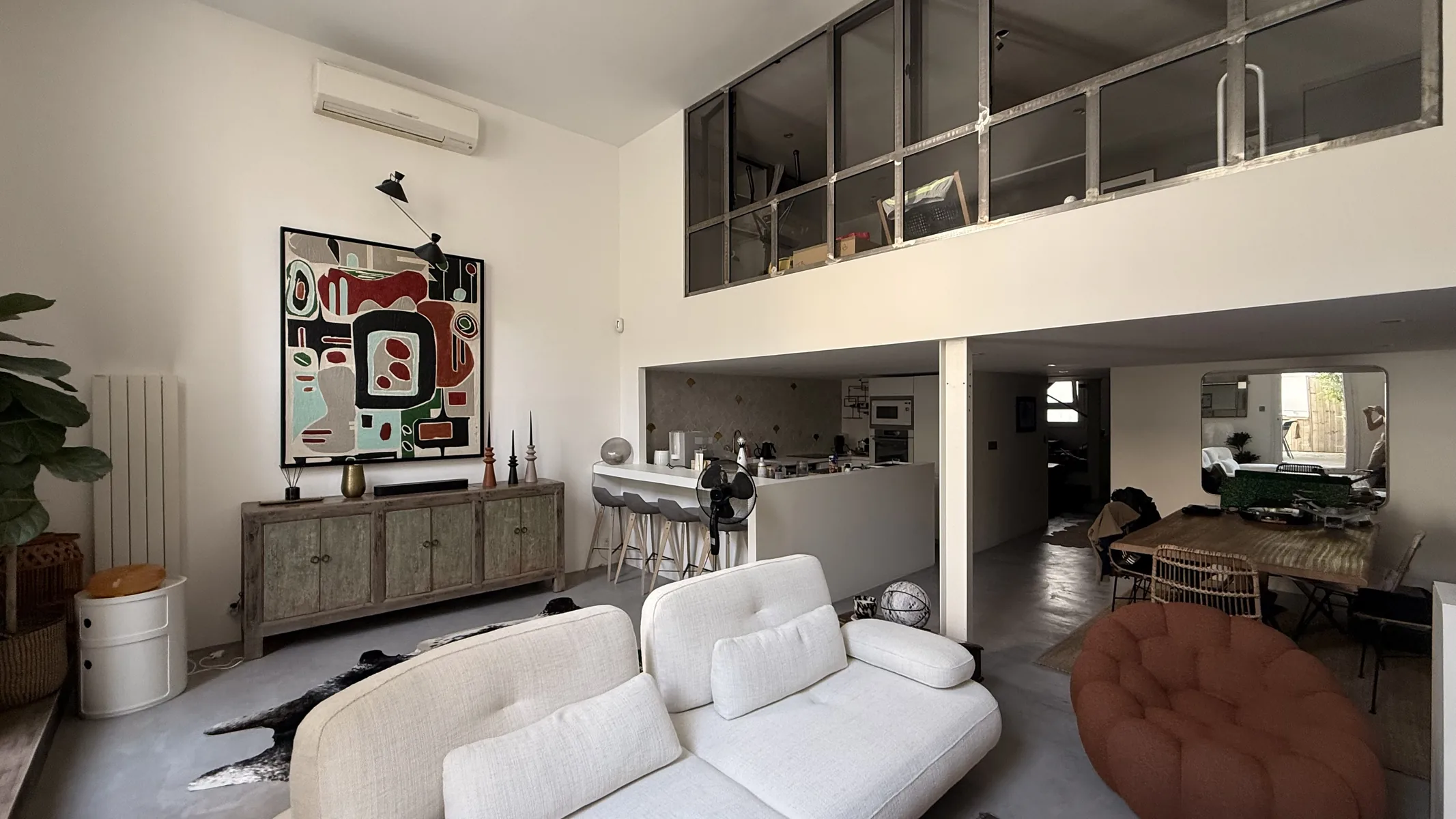
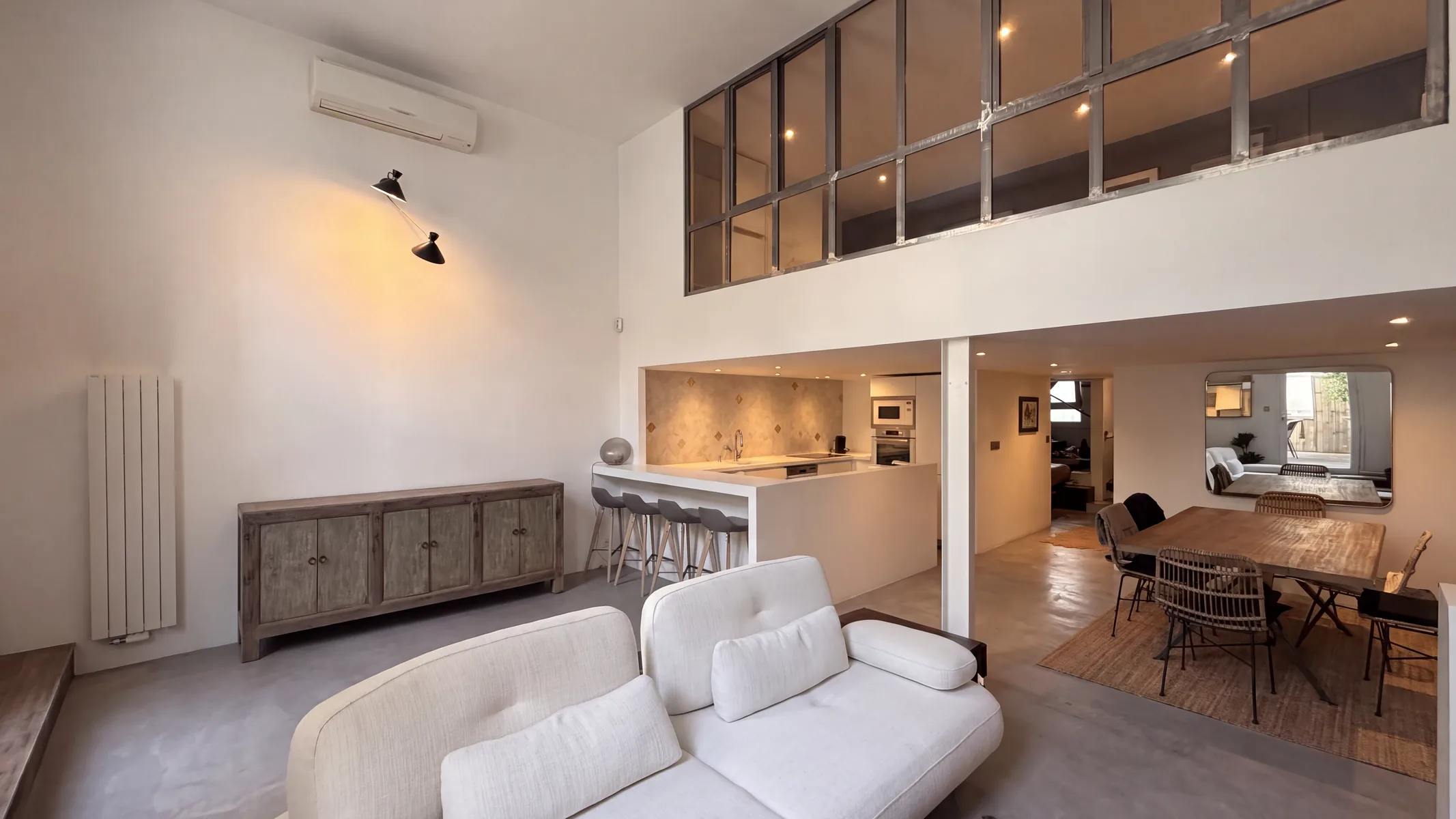
Every result is compared to the original photo to detect changes in structure and framing. This check measures and flags: too large a gap doesn’t block delivery, it’s indicated on the image you receive.
The engine receives explicit instructions: don’t remove a visible defect like a crack or a damp stain, don’t invent what the photo doesn’t show behind an overexposed window or closed shutters, don’t treat a fitted kitchen as an object to remove since it’s part of what’s being sold.
These instructions alone aren’t enough, which is why the check described above comes second.
Staging, renovation, facade renovation, garden, dusk: these modes show a proposal, not the property’s current state. Kadra embeds a notice in the file you download.
Upload your logo as a PNG or SVG: it is placed on every photo delivered, in a corner or in the center, at the size and opacity you choose.
From viewing to listing
A folder per mandate, photos sorted by room. From your phone or your computer.
The one that matches the photo.
The result appears next to the original. You download what you decide to use.
Launching soon
For the first 100 subscribers only
Join the agents and real estate agencies waiting for the Kadra launch.
Exclusive perks for early sign-ups
Once the 100 places are taken, the founder offer is gone for good.
Only important news about the Kadra launch · Privacy policy
Very soon. Join the waitlist to hear when it opens: you will get 5 free credits (watermarked photos), and the first 100 subscribers get the founder rate, a discount on their subscription for 12 months.
Not in the usual sense, where you edit the image by hand. Kadra enhances your listing photos (lighting, colors, decluttering, virtual staging, renovation previews) to make them more appealing, while staying true to the property.
That’s not what the tool sets out to do. Every result is compared to the original photo to detect changes in structure and framing. This check measures and flags: it doesn’t block delivery, it adds a notice to the image if too large a gap is detected.
Yes. Motion blur, focus blur and camera shake are corrected by the Photographer mode, and by Declutter, Unfurnish, Exterior and Facade wash, which include the same photo pass. An area too blurred to carry real information becomes a clean, neutral surface, never invented text, a tile pattern or wood grain.
You can relaunch the treatment, in a different mode if you’d like.
It’s embedded in the image at the moment it’s produced. Modes that add nothing to the property don’t carry a notice.
A delivered photo uses one credit. Each plan includes a number of credits per month, and unused credits roll over for one month.
Yes, with the Agence plan: several agents’ mandates are grouped in the same software, with the same retouching framework for the whole team.
On the web from launch; Android and iOS apps will follow. You create a property, import photos of its rooms, choose a mode, then find your renders in the property.
Storage is in France.
Join the waitlist: 5 free credits and the founder rate are waiting for you at launch.